

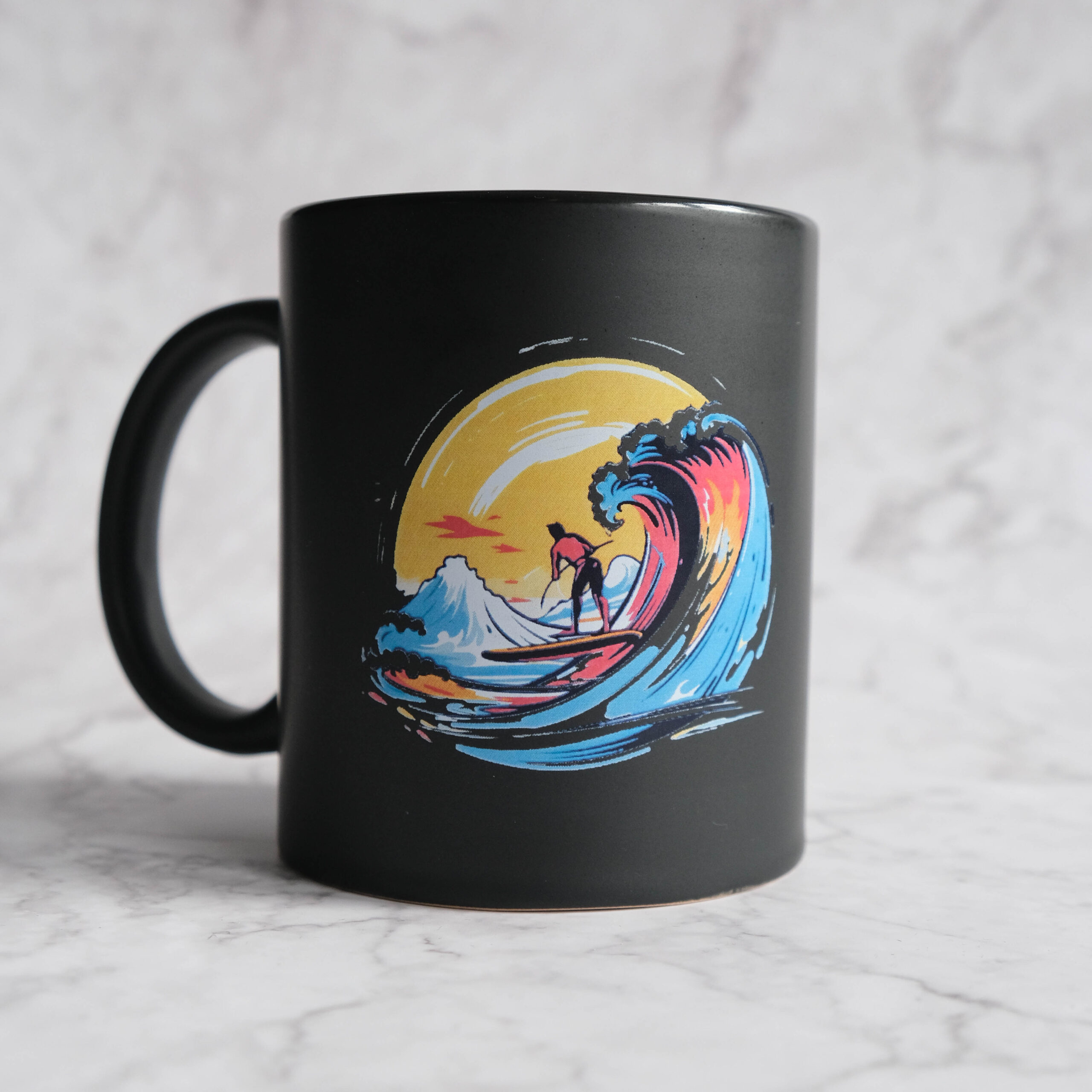
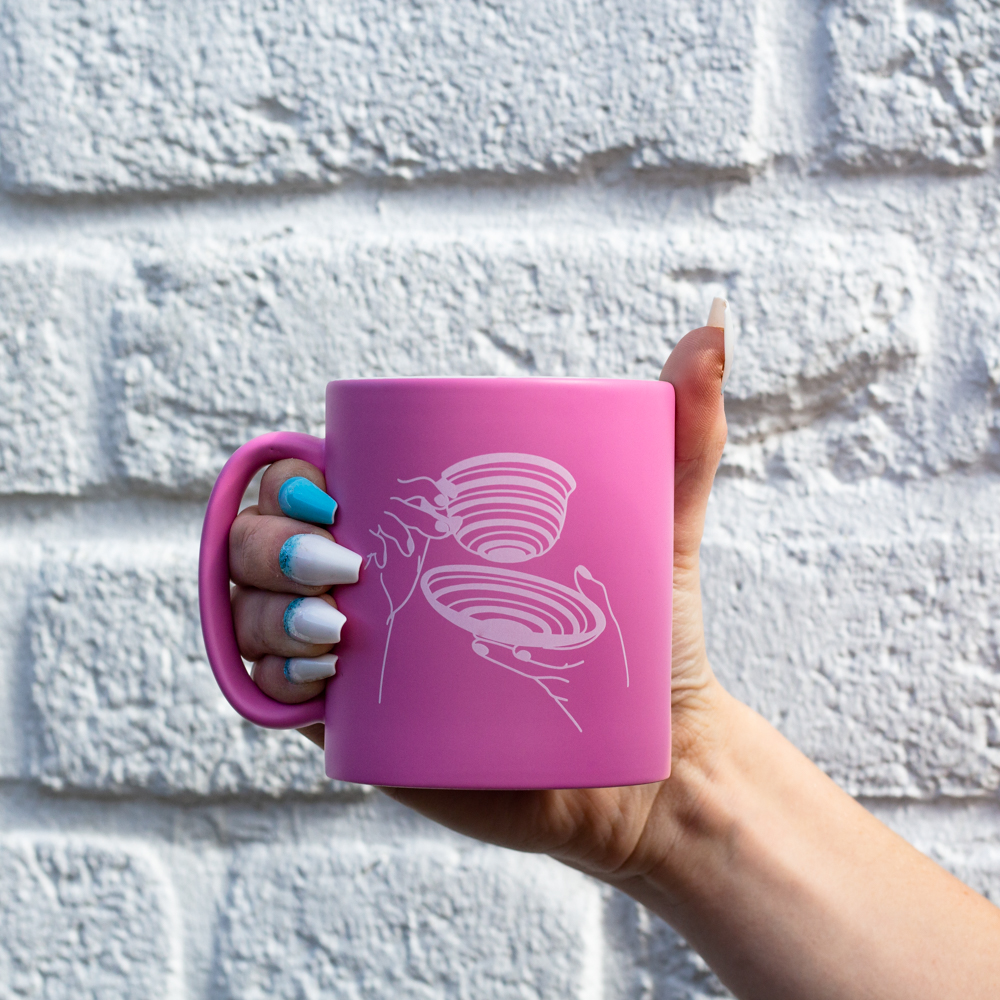

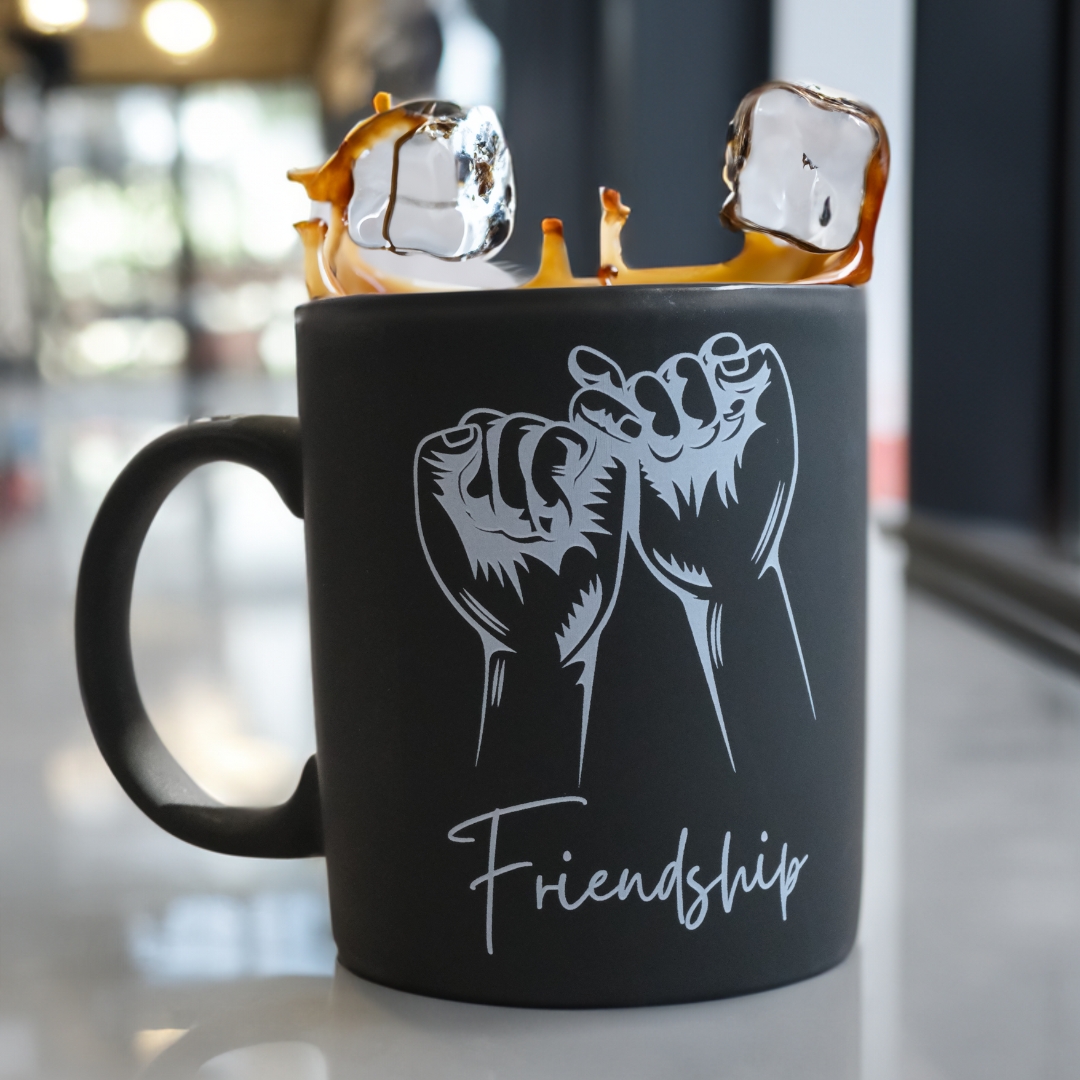
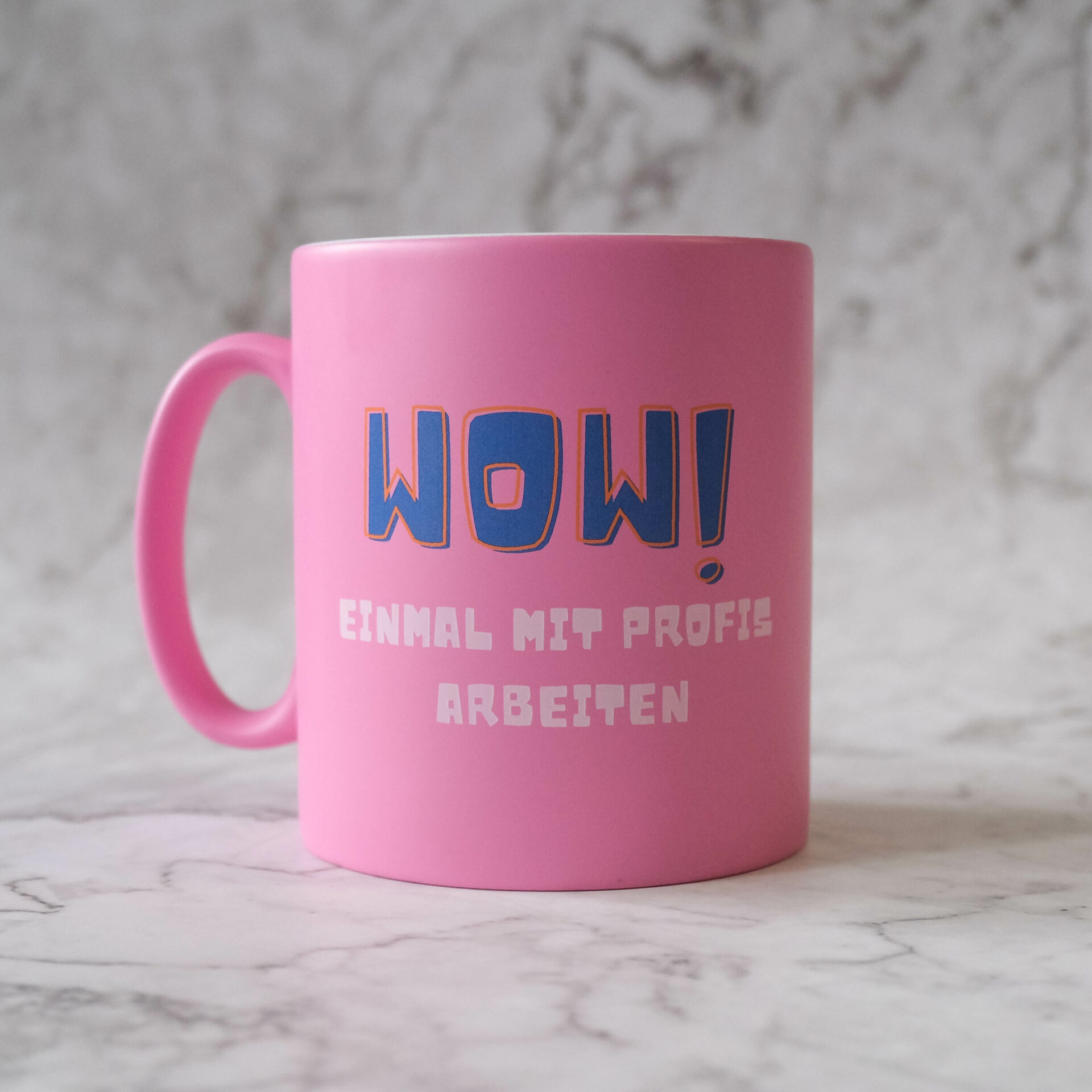



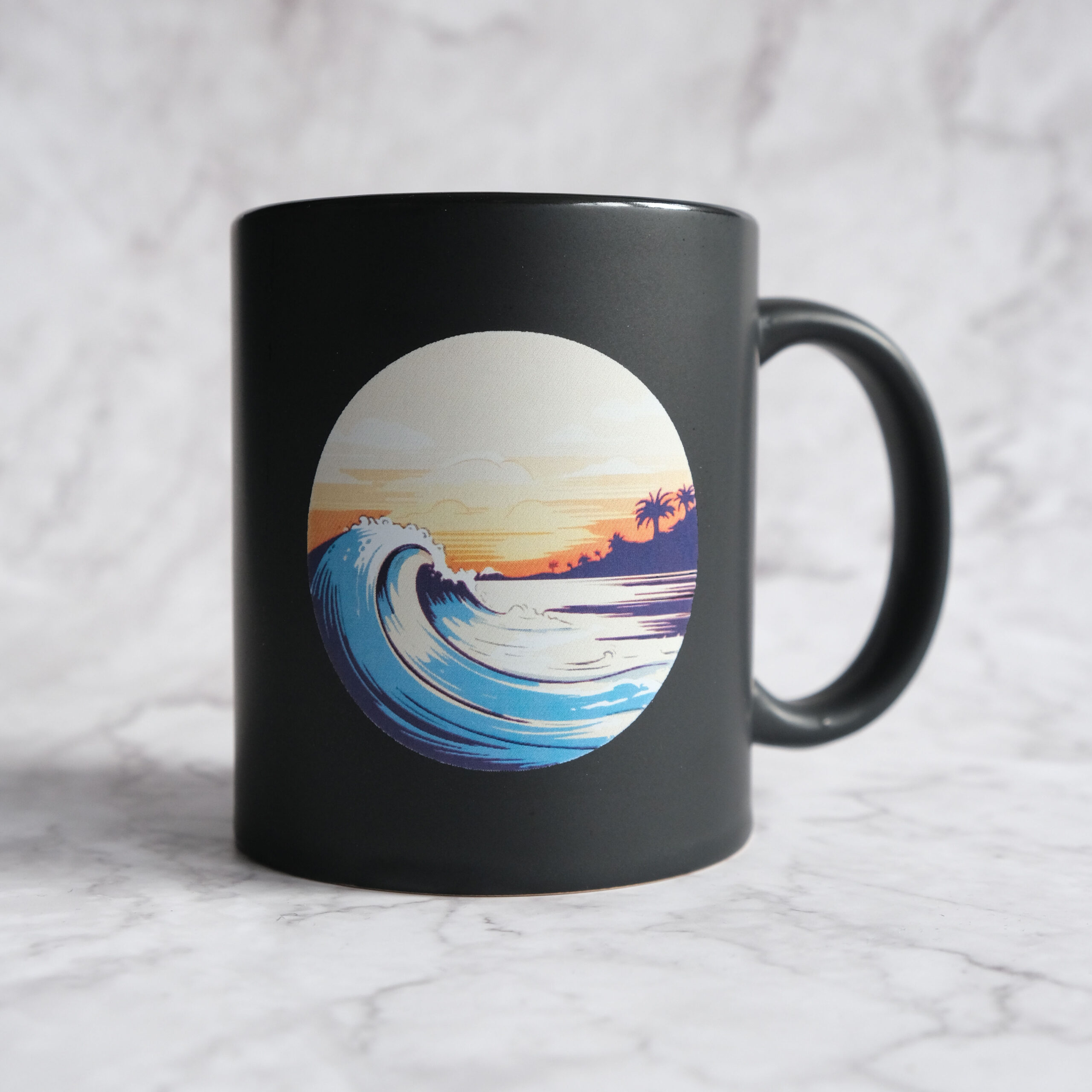
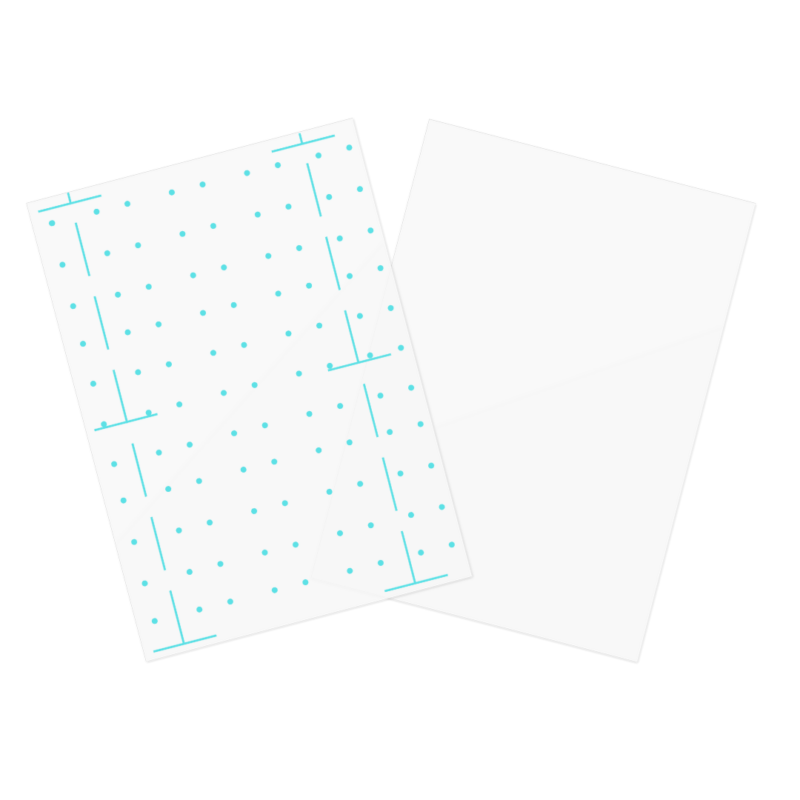


Multitrans A4 Transfer Paper for mugs, glass, metal and hard surfaces
With Multitrans A4 Transfer Paper from Ghost, you can transfer laser-printed designs onto mugs, glass, metal, aluminium and many other suitable hard surfaces.
Use it with compatible laser toner to create personalized products, promotional items, gifts and small production runs. Combined with Ghost White Toner, Multitrans also allows you to create striking white designs on dark and colored surfaces.
Whether you want to personalize a single mug or produce a small series for your customers, Multitrans gives you a flexible toner transfer solution without the need to cut and weed your design.
What can you use Multitrans A4 Transfer Paper for?
Multitrans is designed primarily for toner transfer onto suitable hard surfaces.
Typical applications include:
- Mugs and cups
- Glass
- Drinking bottles
- Aluminium
- Metal
- Mirrors
- Acrylic glass
- Magnetic materials
- Other suitable heat-resistant hard surfaces
This makes Multitrans A4 Transfer Paper particularly useful for personalized gifts, merchandise, promotional products, hospitality, events and individual customer orders.
White printing or color printing with Multitrans
Depending on your printer and project, Multitrans can be used in different ways.
You can use:
- White Toner for pure white designs on dark or colored surfaces
- CMYK toner for colorful designs on suitable light surfaces
Ghost White Toner is especially useful on dark mugs, bottles and other colored objects because conventional CMYK laser printers cannot print white.
This allows you to create white logos, lettering and graphics that would otherwise not be possible with a standard CMYK laser printer.
Color and white together – choose the right printing system
The printer system is particularly important if your artwork contains color and white at the same time.
For the current Ghost range, the Ghost Pro X systems are the recommended solution when you want to print color and white together in a single print pass. This is especially useful for more complex artwork because the transfer medium only needs to pass through the printer once.
With the Big Ghost, color and white can alternatively be created using two print passes. After the first print, Multitrans is carefully inserted again for the second layer.
Accurate repositioning is important because a two-pass workflow can result in slight registration differences between the color and white layers.
With compact standard Ghost printer systems, we recommend using Multitrans primarily in one print pass, as feeding the same transfer sheet through the printer multiple times can lead to registration or paper-feed problems.
What you need for a Multitrans mug transfer
For mug printing, the Multitrans A4 Transfer Paper alone is not enough. A few simple accessories are important for a clean and reliable transfer.
Ghost Silicone Mat
The Ghost Silicone Mat is placed around the prepared mug or glass before it is inserted into the mug press.
It helps provide even pressure during the transfer process and is reusable.
For mug and glass transfers with Multitrans, the silicone mat should be part of your basic equipment.
Heat-resistant tape
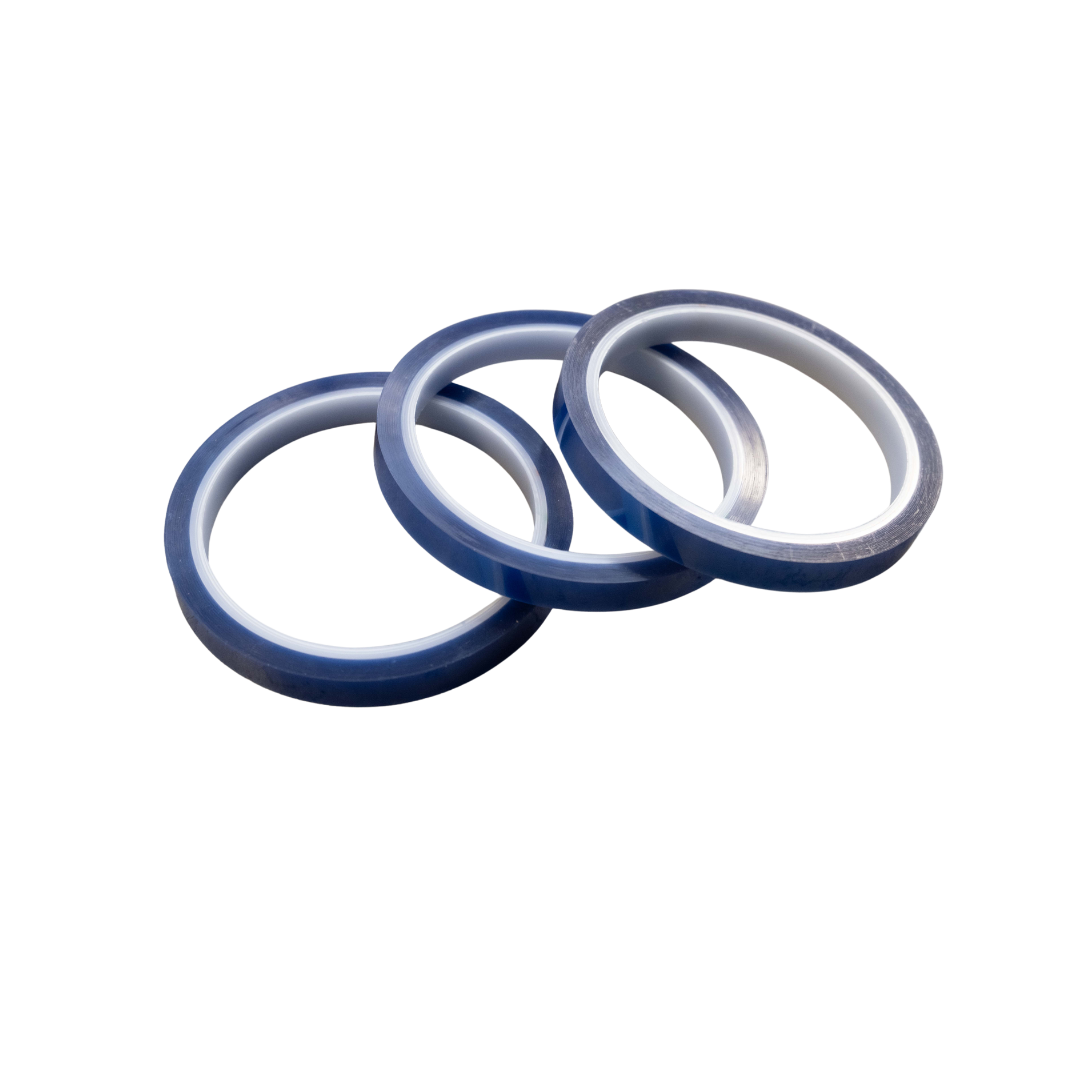
You also need heat-resistant tape to secure the printed Multitrans to the mug or other object.
The tape keeps your artwork in the correct position during pressing and helps prevent the transfer from moving.
Mug heat press
For mugs and similar round objects, you need a suitable mug press.
Our 4-in-1 Mug Heat Press gives you a practical solution for transferring designs onto different mug and cup formats.
The correct pressure is especially important for Multitrans because the toner needs consistent contact with the surface during the transfer process.
How to transfer a design onto a mug
The basic workflow is straightforward:
- Create your design and mirror it for the transfer.
- Print the design onto Multitrans.
- Trim the design if required.
- Position the printed side on the mug.
- Secure the transfer with heat-resistant tape.
- Place the silicone mat around the mug.
- Insert the mug into a suitable mug press.
- Press using settings suitable for your mug and press.
- Allow the mug to cool as required before carefully removing the transfer paper.
As a practical starting point, approximately 140 °C for around 3 minutes can be used for selected mug applications. The exact temperature, time and pressure can vary depending on the mug, coating and press, so we always recommend testing new materials before larger production runs.
See Multitrans in action
If you would like to see how Multitrans is used in real projects, take a look at our Multitrans YouTube playlist.
There you can find practical examples and tutorials showing different Multitrans applications and get a better idea of the complete transfer process before starting your own project.
Ideal for white designs on dark mugs
One of the most interesting applications for Multitrans A4 Transfer Paper is pure white printing on dark surfaces.
With Ghost White Toner, you can create for example:
- White logos on black mugs
- Lettering on colored cups
- Names and personalized designs
- Restaurant and company logos
- Event merchandise
- Promotional products
- Personalized gifts
Your mirrored artwork is printed onto Multitrans and then transferred onto the product using heat and pressure.
No cutting and weeding of individual design elements
Unlike vinyl plotting, your artwork is printed directly.
This makes Multitrans particularly useful for:
- Fine lettering
- Detailed logos
- Small design elements
- Complex shapes
- Personalized one-off products
- Small production runs
There is no need to cut every individual design element from vinyl and weed away unwanted areas.
Multitrans or Multitrans Pro?
Choosing the correct transfer medium for your surface is important.
Multitrans A4 is especially suitable for smooth hard surfaces such as mugs, glass and metal.
For other surfaces and applications, Multitrans Pro may be the better choice. Multitrans Pro expands the range of possible materials and is particularly interesting for surfaces such as wood, paper, cardboard or cork, depending on the application.
For classic mug, glass and smooth hard-surface transfers, Multitrans A4 is generally the appropriate starting point.
Part of the Ghost White Toner system
Multitrans becomes especially versatile when combined with the Ghost White Toner system.
Depending on your printer and application, you can:
- Print white onto dark surfaces
- Transfer colorful designs onto light surfaces
- Combine color and white with suitable Ghost Pro X systems
- Produce personalized one-off products
- Create small production runs
- Customize mugs, glassware and many other products
This allows you to use your Ghost printer for much more than conventional paper printing.
Important tips for reliable results
For the best possible results with Multitrans A4 Transfer Paper, several factors need to work together.
We recommend:
- Mirror your artwork before printing
- Insert Multitrans correctly into the printer
- Use the appropriate media setting in the printer driver
- Avoid multiple print passes with compact laser printers
- Secure the transfer with heat-resistant tape
- Use a silicone mat for mug and similar round-object transfers
- Apply sufficient and even pressure
- Adjust temperature and pressing time to the substrate
- Make a test transfer when using a new surface or product
The final result can vary depending on the printer, toner, substrate, press, pressure and transfer settings.
Product Details
- Product: Multitrans A4
- Format: A4
- Technology: Laser toner transfer
- Application: Suitable hard surfaces
- Typical surfaces: Mugs, glass, aluminium, metal, mirrors and other suitable hard surfaces
- Printing: White or color depending on printer system and substrate
- Color + White: Recommended with Ghost Pro X systems for single-pass printing
- Two-pass printing: Possible with Big Ghost when the transfer sheet is carefully repositioned
- Transfer equipment: Suitable heat press or mug press
- Mug transfer accessories: Silicone Mat and heat-resistant tape
- Packaging units: 25 / 50 / 100 sheets
FAQs
Absolutely! Multitrans A4 is designed for versatility, allowing you to print vibrant designs on a variety of hard surfaces such as mugs, glasses, aluminum, magnetic vinyls, wood, place mats, chromolux, tiles, acrylic glass, and metal. It’s a fantastic choice for personalized gifts or unique home decor items.
Multitrans A4 is optimized for use with Ghost printers and is recommended for CMYK or White printing to ensure the best results. While it is conditionally suitable for two-pass printing with laser printers, for optimal performance and compatibility, using it with Ghost printers is advised.
Multitrans A4 works perfectly with Ghost White Toner, providing crisp and vivid prints for both white and full-color images. It’s the ideal companion for your Ghost printer, allowing for creative and high-quality printing on various hard surfaces.
To transfer designs with Multitrans A4, simply print your design onto the transfer paper and apply it to your chosen hard surface using a heat press. The paper has been the go-to solution for transferring designs onto hard surfaces for over 15 years, thanks to its ease of use and reliable results.
Yes, Multitrans A4 is an excellent tool for businesses to create promotional items. Its ability to customize a wide range of products makes it ideal for producing personalized marketing materials that stand out.
For those looking to add a touch of elegance, Ghost offers Multitrans Gold Metallic A4 and Multitrans Silver Metallic A4. These specialty papers enable you to create stunning metallic prints, expanding your creative possibilities. Check out the Multitrans Silver Metallic A4 here.
When using Multitrans A4 for printing on porcelain cups, ensure that you’re using the standard Multitrans paper. It’s specifically designed for such applications and can be seen in action in their mug printing tutorial video.
Achieving the best results with Multitrans A4 involves using a compatible printer, such as a Ghost printer, and following the recommended printing and transfer guidelines. For printing on acrylic, the Multitrans Pro version is suggested due to its shorter processing times, as seen in this video guide on printing on acrylic.